
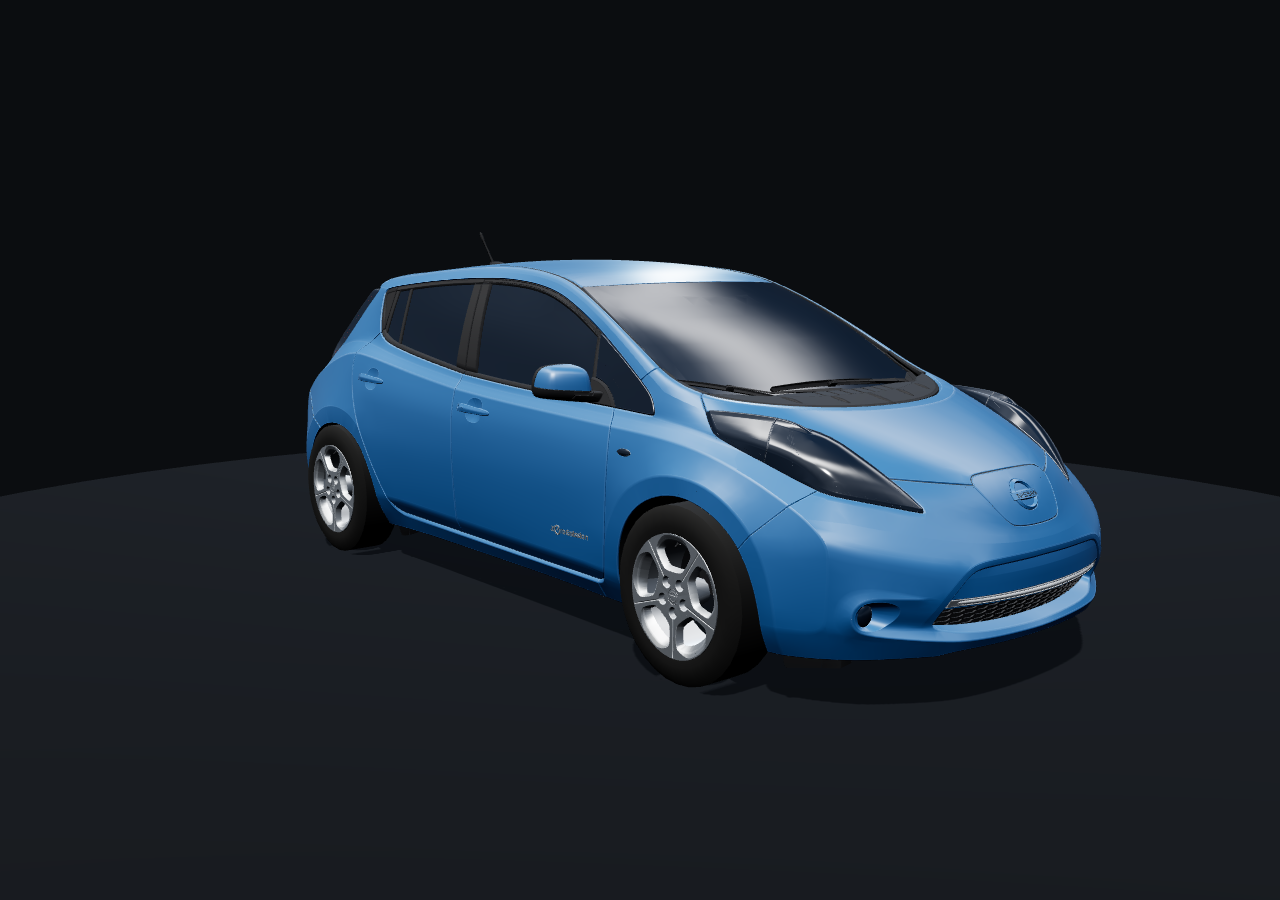
Your Leaf, honestly.
Charge Cat is a friendly little companion for your 2011–2017 Nissan Leaf. It tells you the truth about your battery — kindly, in plain language — so you and your car can grow old together.
Made for a car with a past 🐾
Older Leafs are wonderful cars with tired batteries. Charge Cat doesn't pretend otherwise — it just helps you understand yours.
Your battery, all 96 cells
Live battery health, capacity, and a picture of every one of the 96 cell pairs — plus plain-language notes about what the numbers mean, not just the numbers.
Charge sessions that stick
Bluetooth drops happen. Charge Cat keeps a charging session whole through disconnects, estimates your charge rate and time left while you wait, and if it ever misses a session it rebuilds it afterwards from your car's own record.
Range that tells the truth
The dashboard guess-o-meter is an optimist. Charge Cat figures range to your car's real empty point and shows the reserve separately — so "18 miles" means 18 miles, with the emergency backup counted honestly on its own line.
Chargers your Leaf can use
A map of nearby stations that actually fit your car — CHAdeMO fast chargers and J1772 — with fast and slow clearly marked, and a ring showing how far you can really get.
Every trip, remembered
Drives are logged automatically: distance, energy used, efficiency, and how your battery behaved along the way. No logging in, no uploading — it's your diary, on your phone.
Your car says hello
Your Leaf greets you on the home screen, charge flap glowing while it charges. Feeling fancy? A live 3D view is tucked away as an opt-in setting.
It only listens. That's the whole deal.
Charge Cat is read-only by design. It cannot change a single thing on your car — it can't clear fault codes, send commands, or start or stop anything. It reads what your car is already saying and translates it for you. Listening can't hurt your Leaf.
It looks perfectly fine. It isn't.
This Leaf starts every time, drives happily, and charges when you plug it in. Its dashboard is calm. And underneath, its battery has quietly lost more than half of itself. Here is the whole pack — all 96 cell pairs — in one real screenshot: the portrait your car never shows you.

Nothing feels wrong
It starts, it drives, it charges. The dash shows its bars and a hopeful guess at the range, exactly as it always has. Nothing is asking for help — because the dashboard has no way to show you any of this.
41.4% of a battery
State of health: 41.4%. Capacity: 27.17 amp-hours left, of the 66 Ah this pack had when it was new. Conductance (Hx): 21.8%. More than half of the battery has worn away — a little at a time, year after year, invisibly.
Even the tidy chart sits on that
Look at the 96 bars: every pair within 27 mV of its neighbours (3,920–3,947 mV). As neat as this pack ever looks — and it is still a pack at 41%. The neatness isn't health. It's just the pack on its best behaviour.

Ask it to work, and pairs fall away
Earlier in that same drive, the gap between the strongest and weakest pair was 71 mV — and it kept widening to the 142 mV in this frame: pair #74 sagging to 3,530 mV while the strongest pair held 3,672 mV. A pack is only as strong as its weakest pair, so that one red bar quietly decides how far the car can go.
The dash shows none of it — either way
Calm or sagging, parked or working, the dashboard offers the same twelve bars and the same hopeful guess. Charge Cat reads the pack itself, so you get to see both of its faces.
Same pack, same day: serene on the charger, coming apart under load, and at 41.4% of its original health the whole time. That's why Charge Cat keeps an eye on yours under load, where the truth is.
Will it work with my car?
If you drive a first-generation Leaf, almost certainly yes. You'll need a small Bluetooth dongle — the bit that plugs into the car's diagnostic port and does the talking.
What you need
- A Nissan Leaf, 2011–2017 (the first generation, ZE0)
- An Android phone running Android 8.0 or newer
- A Bluetooth LE OBD-II dongle — the Veepeak OBDCheck BLE is the one we use and test with
Installing is easy
- Download — tap the big green button on this page and save the app file.
- Allow the install — when Android asks, tap “Install anyway” / allow installs from your browser. (Charge Cat isn't on the Play Store yet, so Android double-checks. That's normal.)
- Open Charge Cat — plug your dongle into the car, open the app, and it will introduce itself to your Leaf.
Good questions
What does it cost?
Nothing. Charge Cat is free — no subscriptions, no in-app purchases, no ads. It's a labor of love for old Leafs.
Why isn't it on the Google Play Store?
Not yet, is the honest answer. For now you download it right here. The upside: no account, no store, no middleman — the app goes straight from us to your phone.
Can it hurt my car?
No. Charge Cat is read-only by design — the ability to change things or clear fault codes isn't hidden in the app, it was never built in. It only listens to what your car reports. The worst it can do is use a little of your phone's battery while you're connected.
What dongle should I buy?
A Bluetooth LE (Low Energy) OBD-II adapter. We develop and test with the Veepeak OBDCheck BLE, which is inexpensive and works well with the Leaf. Avoid the very cheapest no-name Wi-Fi adapters — Leafs talk Bluetooth LE here.
Which cars does it work with?
The first-generation Nissan Leaf (2011–2017, ZE0) is fully supported today. More cars are in the works. If your car isn't a ZE0 Leaf, Charge Cat will politely not understand it yet.
Where does my data go?
Nowhere. There is no Charge Cat cloud, no account, and no telemetry. Your battery history, charges, and trips live on your phone, and you can export them yourself whenever you like.
Why does the range in Charge Cat differ from my dashboard?
Because your dashboard is being polite. On an aging Leaf the dash estimate keeps counting miles that live in the car's reserve. Charge Cat shows your range to its real empty point, and lists the reserve separately — so you always know your true miles and your emergency miles.